

- Home
- About ticket purchase
Enter passport information about the passenger
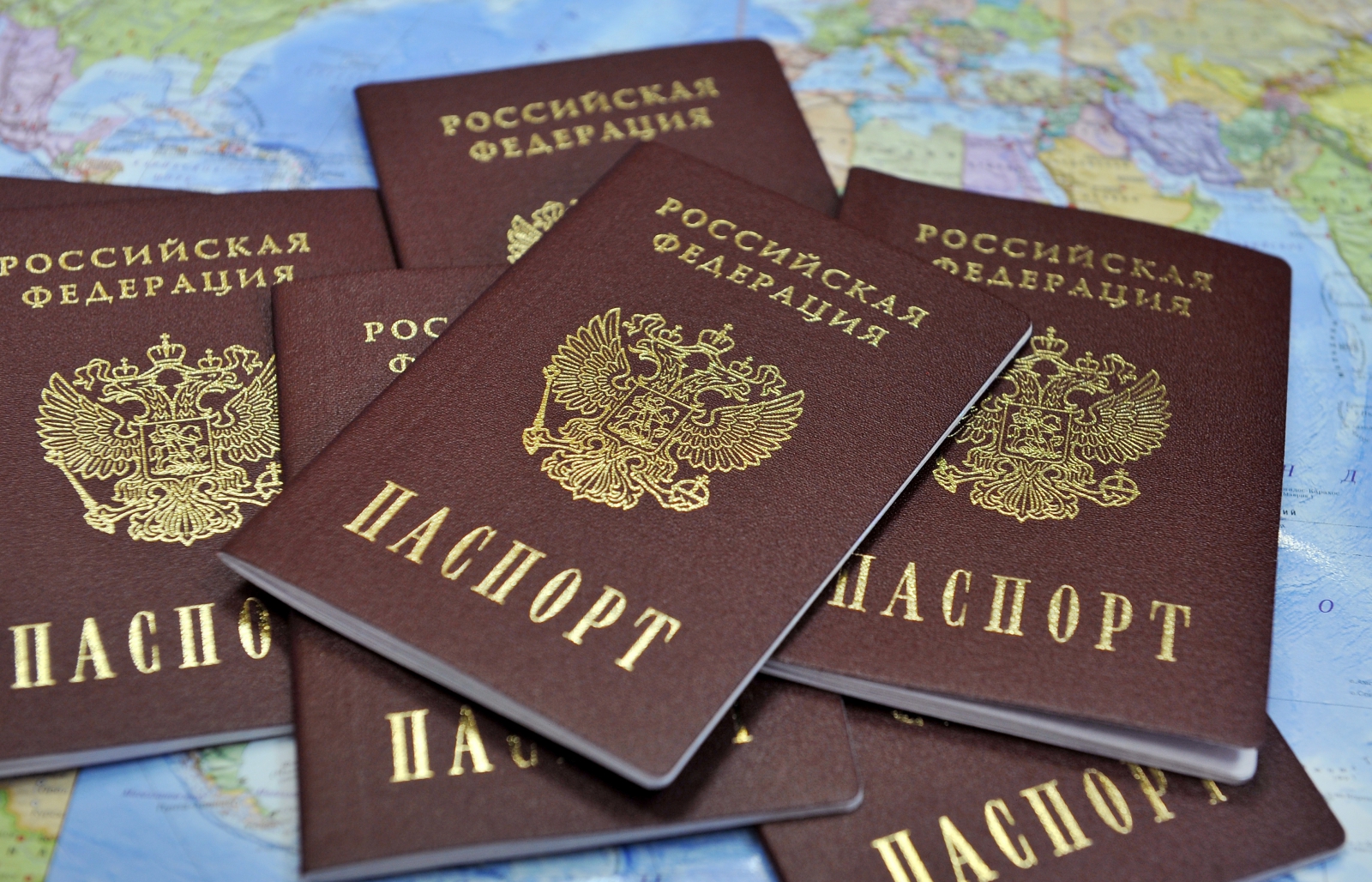
You can pay for the ticket via the Internet no later than 4 hours before the flight departure.
The passenger is responsible for the correctness of the passport data.
Please note!!!
Surname, name and number of the passenger's document are entered according to the document.
If the passenger does not use a passport of a citizen of the Russian Federation, you must select the type of document.
When entering the data of the passport - as recorded in the passport. The document number is entered without spaces.

Selection of additional services
The site provides an opportunity to arrange an insurance service.
- Insurance policy for the flight.
By choosing insurance, you agree to the rules of passenger insurance and the public offer.
You will be compensated if something happens to you or your baggage during the flight.
Please read the insurance Rules.
If you want to cancel the insurance service, uncheck the box "insurance for the flight" on the page select additional services

Payment method
Payment on the website is made only by credit card. Payment is made through Sberbank using Bank cards of the following payment systems:
Visa, Master Card, Maestro, WORLD
To proceed to payment, you need to agree to the terms of the tariff application and click the Pay button
In the next step, you need to fill in the details of Your credit card according to the requested information and click the Pay button
For payment (input Your card details) You will be redirected to the payment gateway of SBERBANK. Connection to the payment gateway and information transfer is carried out in a secure solution using SSL encryption Protocol. If Your Bank supports the technology of secure online payments Verified by Visa or MasterCard SecureCode, you may also need to enter a special password to make a payment. This site supports 256-bit encryption. The confidentiality of the reported personal information is provided by SBERBANK. The entered information will not be provided to third parties except as provided by the legislation of the Russian Federation. Payments by Bank cards are carried out in strict accordance with the requirements of payment systems MIR, VISA int. and MasterCard Europe Sprl.
Payment confirmation
When booking and successfully paying for the ticket via the Internet, you will receive a confirmation page with the booking confirmation code and e-ticket number. A successful booking and online payment will be sent to the e-mail address provided at the time of booking with a pdf attached e-ticket receipt containing full details of Your trip.
At check-in it is enough to present a printout of the e-ticket and a document proving the identity of the passenger.
Financial reporting documents on the flight
If you need to provide financial reporting documents on the flight, keep your boarding pass and itinerary receipt. Please note that cash receipts are not issued. In accordance with the Order of the Ministry of transport of 18.05.2010 № 117, letter of the Ministry of Finance of 07.09.2007 № 03-03-06/1/649 and the letter of UFNS of Russia across Moscow of 27.12.2007 No. 20-12 / 124839 documents for the report on Commission of flight are the itinerary receipt with the Appendix of the boarding pass. Duplicate boarding passes are not issued.

Ticket exchange / refund
Onlinerefunds are carried out inaccordancewith the tariffplansand are onlypossiblefor air ticketspurchasedon the website.Onlinerefunds are onlypossiblefororiginallyissued(unchanged)andcompletelyunused airline tickets.Forallquestionsrelatedto the return of air ticketspurchasedat the salesoffices, pleasecontacttheContactCenter of JSCYUVTAERO.Incase of refusalorchangeorintention to continuetransportationonsubsequentsections of transportation, the passengermustcontact the airline'scallcenterbyphone8